Product Updates

Your AI can write a great email and still send a bad one. Formatting drifts, a rogue link goes out and the student on the other end gets something your institution wouldn't have approved.
On Sept. 21, every Halda account moved to a new email system built to stop that before it happens. Two pilot features also landed for teams recruiting outside the U.S. For a look at what shipped the month before, see Release Radar: July 2026.
Here's what shipped and what each change does for your team.
A new email assembly system locks in your formatting and links
Under the old system, the AI wrote a whole email and Halda sent exactly what came back. Now the AI writes the pieces separately: a headline, body paragraphs and a call to action. Halda assembles the finished email from those pieces.
That last step is the key. Because Halda controls assembly, your formatting rules apply every time, and every link in an email is one your team approved and can track per student.
Both kinds of AI email moved. Behavioral emails are the ones Halda sends when a student submits a form, views a page, asks AI Search a question or goes quiet. Campaign emails are your scheduled drip sequences.
Behavioral emails also run on Halda's simulation engine now. Before it writes, the engine builds a backstory for each student from their history with your institution, so the email reflects what that student has already done. That's Halda learning with every interaction, applied one inbox at a time.
Test Mode: preview real emails before anything reaches an inbox
Most teams approve a behavioral trigger by reading a preview and hoping. Test Mode replaces the hoping.
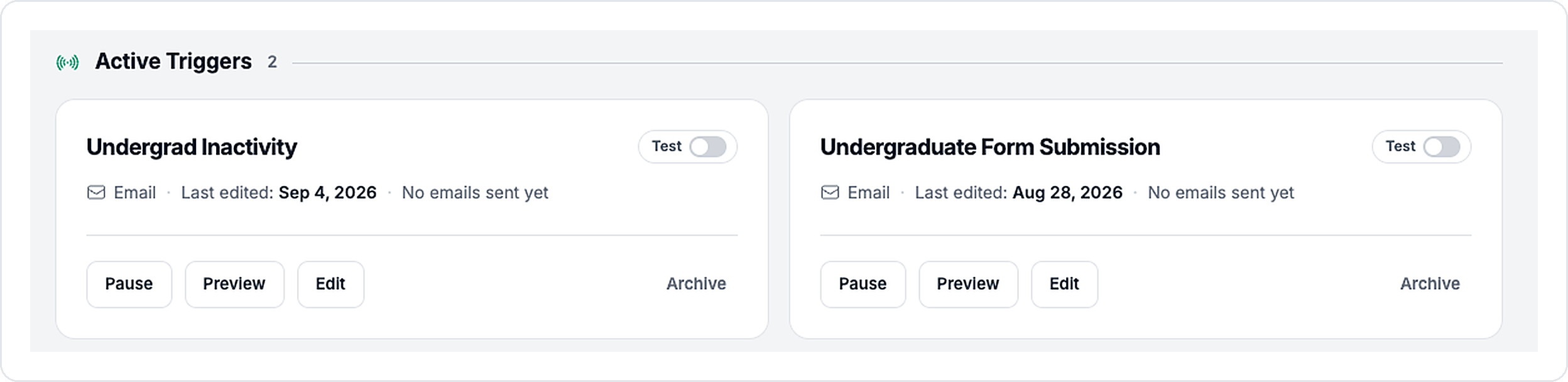
A trigger in Test Mode writes real emails for real students and holds every one in an Outbox for review. When your team leaves Test Mode, you choose to deliver the held emails or clear them. Rejecting a draft doesn't block that student from future emails, so a cautious reviewer can't accidentally cut someone off.
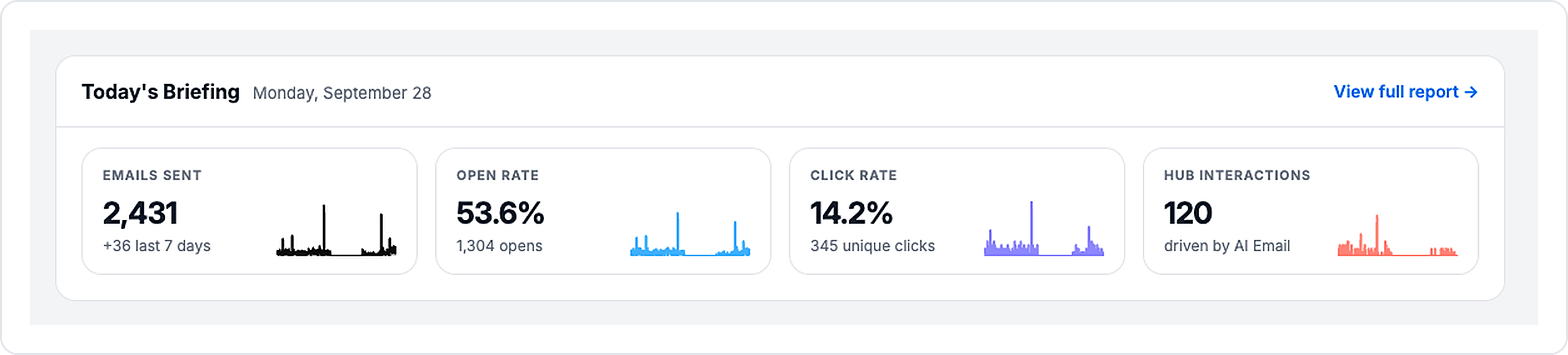
Behavioral triggers also have their own AI Email page now. Managing triggers, previewing emails and checking performance happen in one place instead of three, with a Today's Briefing panel showing sends, opens, clicks and hub interactions at a glance.
Each trigger can now offer more than one next step
A single call to action assumes every student is at the same point. They aren't.
Each trigger can now carry two backup calls to action alongside the main one, and Halda picks the best fit for each student. A custom CTA can go in both slots with different button text and destinations, so you can send students anywhere you choose.
Previews got honest, too. They now use the trigger's real settings, including the right signature for your email platform and links to the forms the trigger actually uses. They also keep working after a trigger has already emailed its likely recipients, which is when your team usually wants to look.
A guided campaign setup replaces the goals box
Campaign setup used to be one free-text "Campaign Goals" box. Whether your campaign worked depended on how much detail you thought to type into it.
The new setup screen asks direct questions instead, with two campaign types to start:
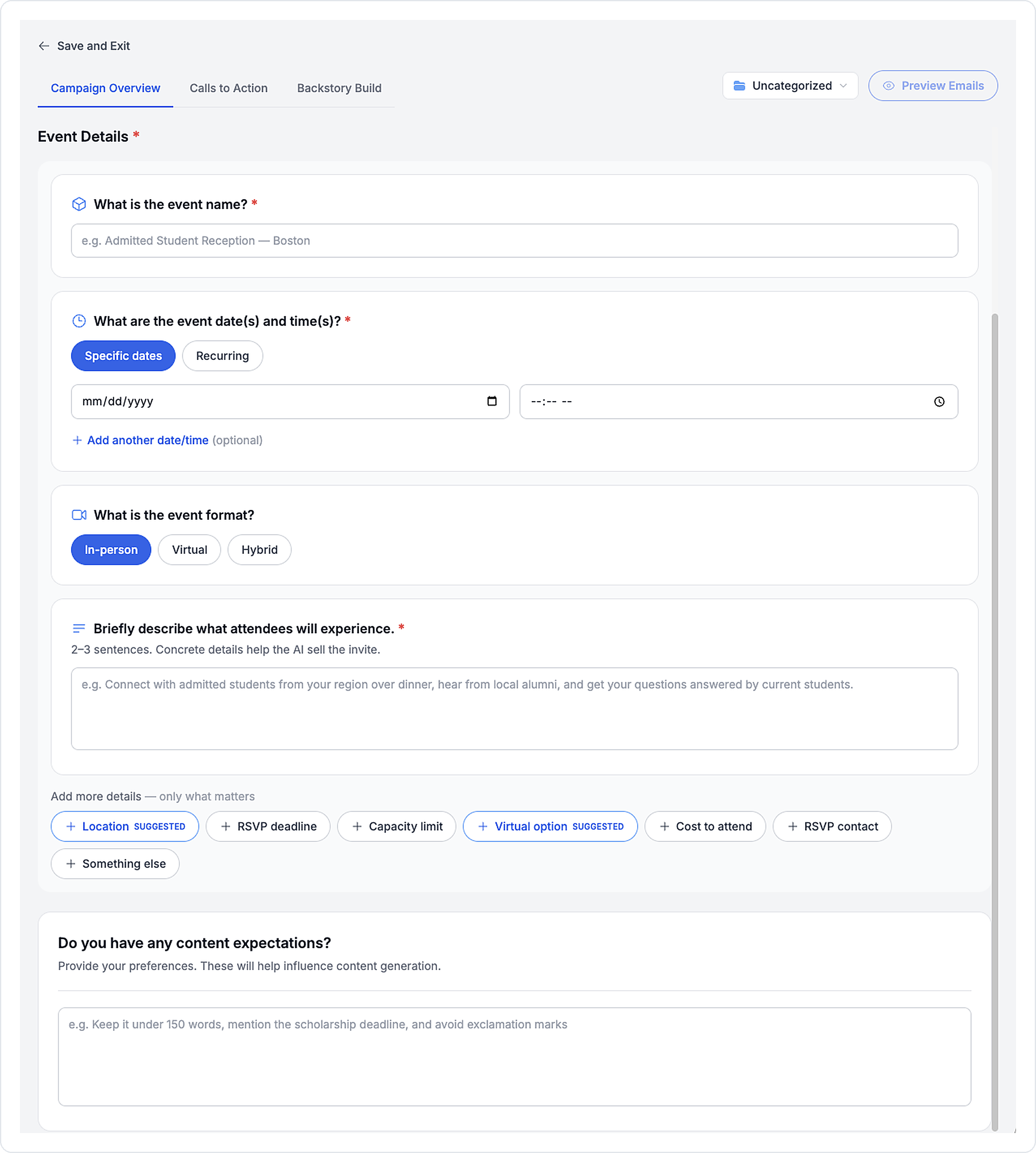
- Event Invite asks for the event name, dates and times (one-time or weekly), format and a short description.
- Application Generation asks for the application method, link, deadlines and required materials.
You can add optional details like location, capacity or a fee waiver, plus one "Something else" field for anything not on the list. Setup tabs turn green when they're complete.
Three more things got easier in the same release. Halda verifies each call-to-action link as soon as someone enters it, showing a green check or a red X with no Confirm button to click first. You can preview emails straight from the setup screen, and if a preview can't run yet, the button tells you what's missing. Five settings now sit in one sidebar next to the previews: Campaign Overview, Formatting Style, Call to Action, Audience and Campaign Facts. Fixing a preview no longer means leaving the page.
See more on what makes a campaign convert in 3 Enrollment Campaigns Converting Students Right Now.
Pause campaign emails once a student converts
Nothing undercuts a campaign faster than a reminder to apply landing on a student who applied last week.
A campaign can now pause emails to a student once they reach a funnel stage you choose. An application campaign stops nudging students who already applied. The setting shows a live count of affected students before you turn it on, and a student who moves back to an earlier stage rejoins the campaign automatically.
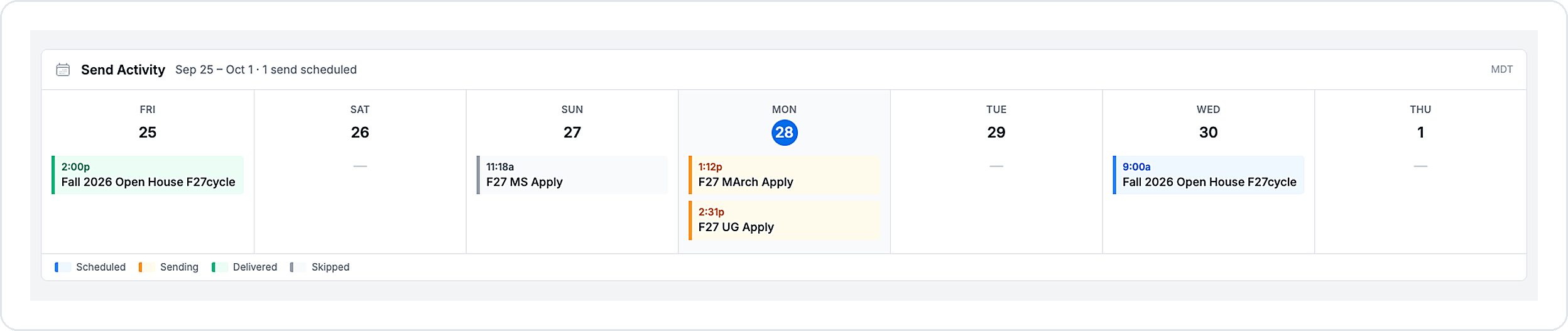
The Campaigns page also shows a seven-day calendar covering the past three days and the next three. Each send is color-coded as scheduled, sending, delivered or skipped, so your team can see what went out this morning without opening a report.
Set brand rules for AI email with the Email Style Guide
Your brand team has opinions about em dashes. Now they can enforce them.
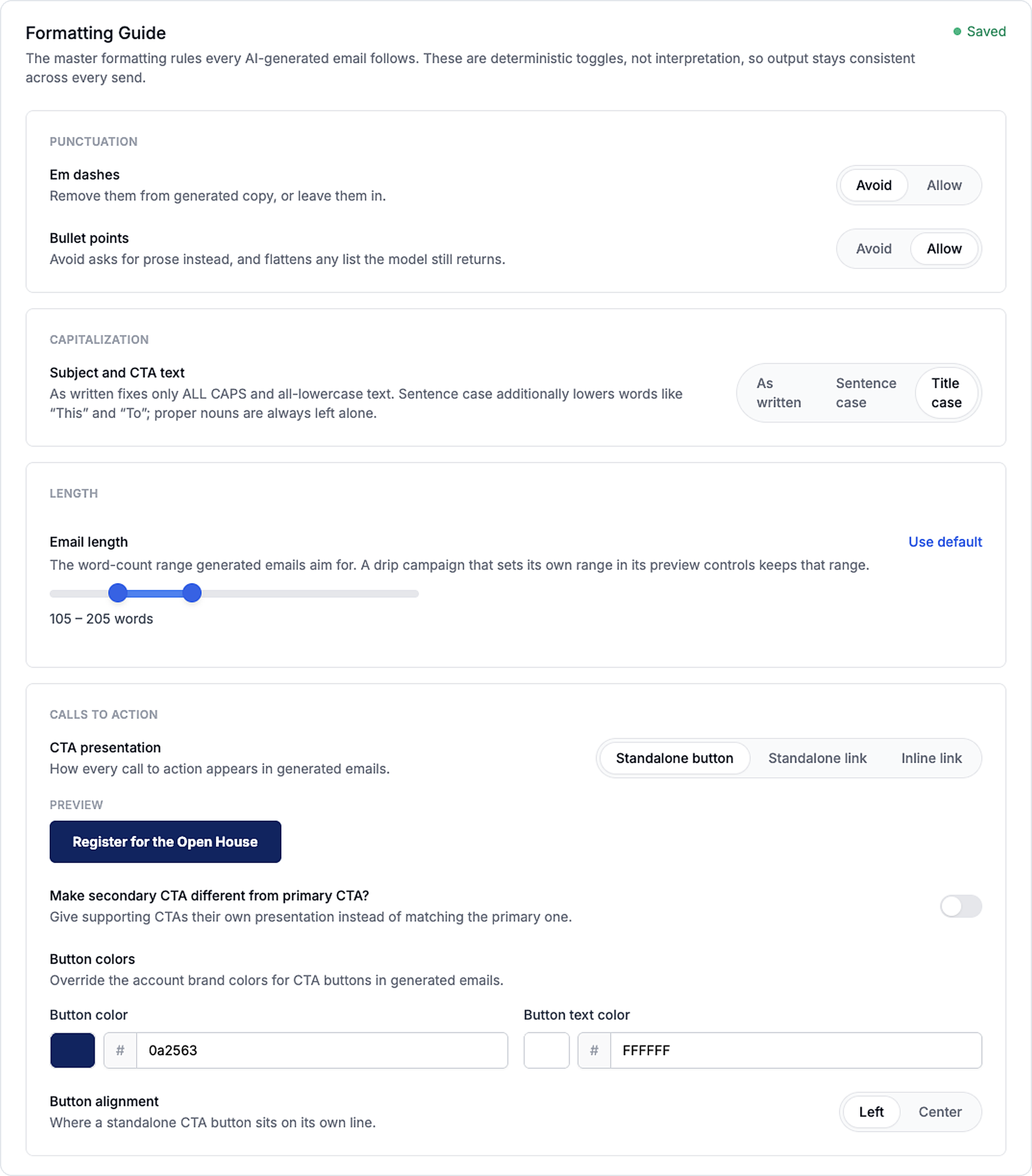
Teams control how AI emails look and read:
- Bullet points, allowed or avoided
- Em dashes, allowed or avoided
- Capitalization for subject lines and buttons
- CTA style, meaning button, inline or hyperlink, plus button alignment
- Email length
Set the rules once in your account's Email Style Guide in the AI Knowledge Base. Any single trigger or campaign can override them, and untouched rules keep following the account guide, so updating the guide still reaches every email.
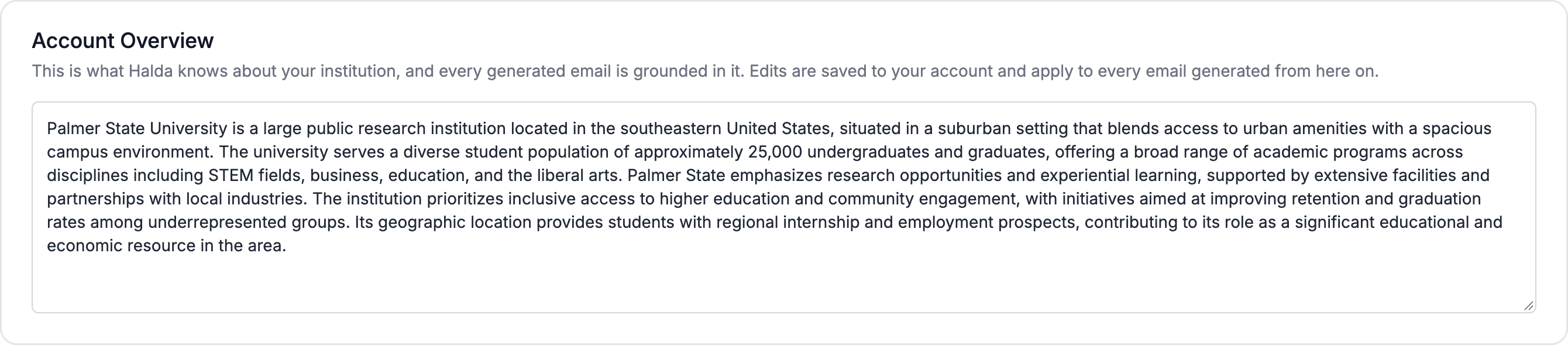
The Email Style Guide picked up a new Account Overview tab, too. It holds the summary of your institution that Halda writes during your first campaign, and every AI email draws on it. Your team can now read and edit that summary, and edits apply to the next email Halda generates.
Tap to Talk: voice conversations for students outside the U.S.
Your AI assistant already calls prospective students in the U.S. Students everywhere else had no way to have that conversation.
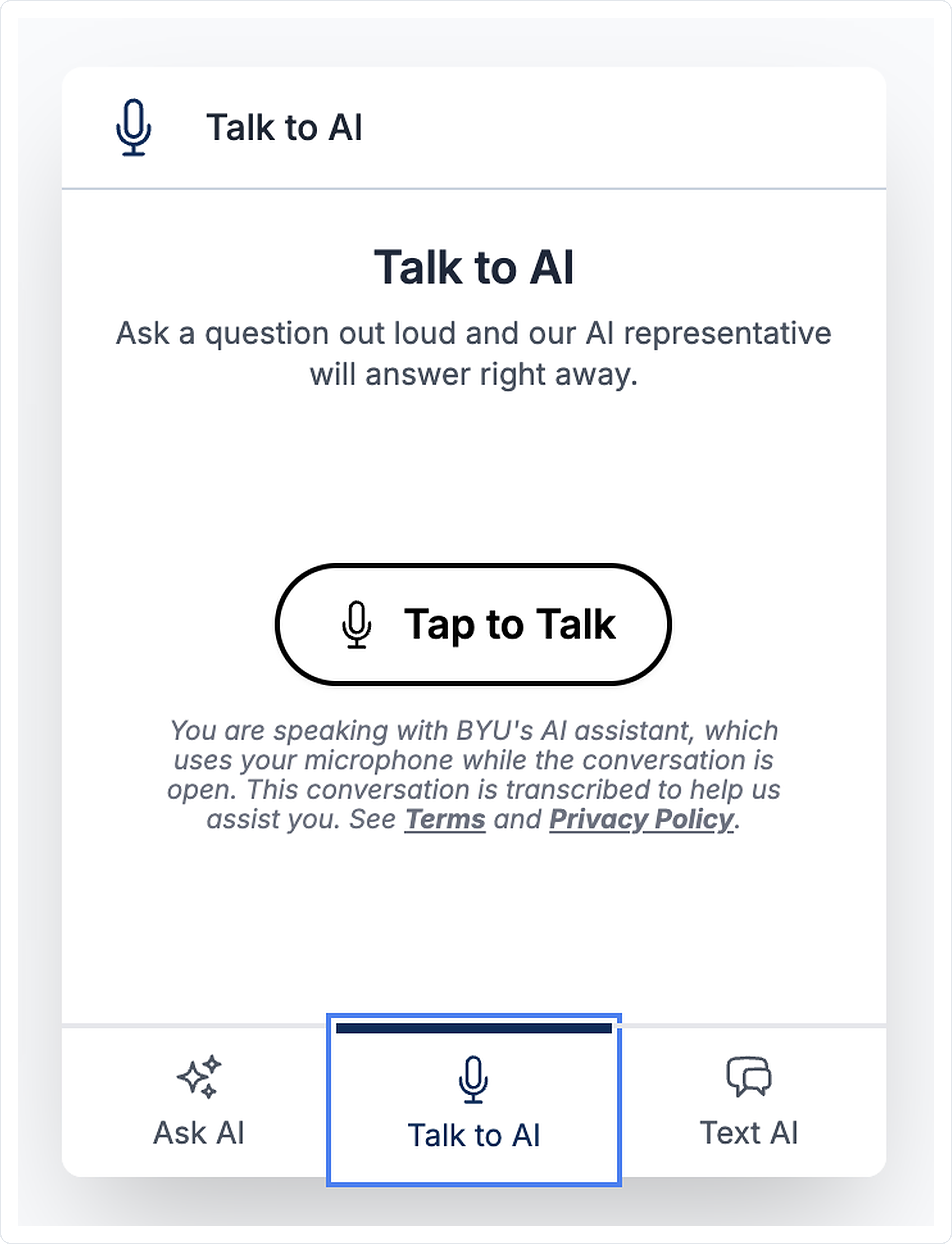
Tap to Talk adds a microphone button to your smart form response pages and AI Hub. A student taps it and has a spoken conversation with your assistant right in the browser. Nobody dials a number.
During the conversation, the assistant answers questions from your content, shares links, sends a follow-up text and saves what the student tells it. Each conversation lands on the lead timeline with a transcript, summary and topics, so a counselor can pick up where the assistant left off. You write the greeting and choose which of the nearly 30 supported languages it speaks. Halda checks each student's location automatically: U.S. students still get Call Me, and everyone else gets Tap to Talk.
Tap to Talk is in pilot, works alongside AI Phone Calling and is available as an add-on. Talk to your Halda partner success consultant about turning it on.
International SMS reaches students outside the U.S.
International recruitment has always meant watching your fastest channel stop at the border.
Phone fields on your forms now have a country code picker, and Halda validates and saves international numbers in the correct format. Once a student opts in or texts you first, your team and your AI assistant can text back and forth with them.
You choose which countries you want to reach. Marketing texts and campaigns still go to U.S. numbers only. Some countries aren't available because of carrier registration rules or sanctions, and daily limits for each country protect you from SMS fraud.
International SMS is in pilot, requires a compatible sending number and is available as an add-on. Talk to your Halda team about setup.
Smaller things worth knowing
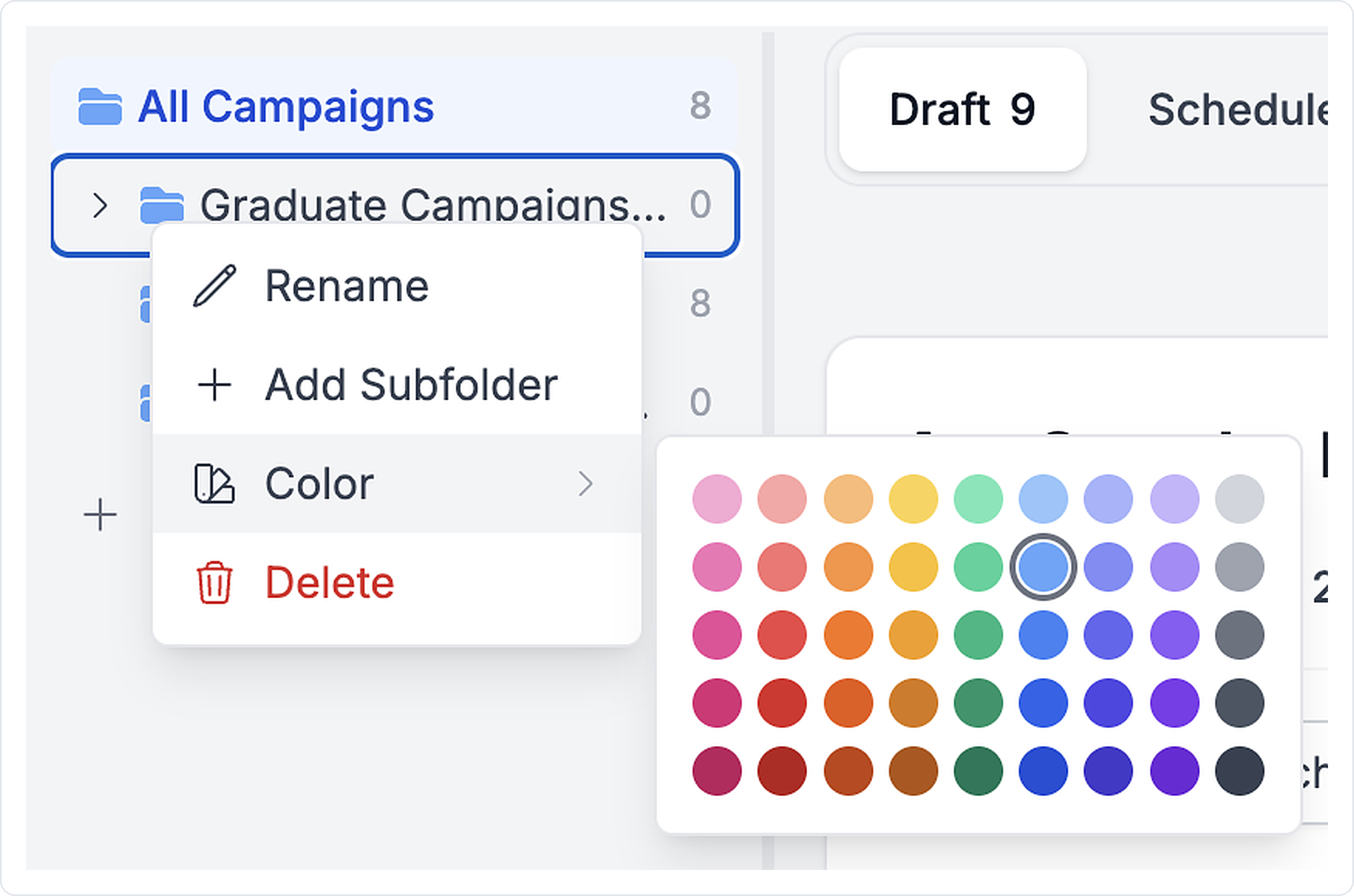
- Right-click a campaign folder and pick from nine hues in five shades.
- Lead recommendations now carry the date they were generated, in the app and on every export surface.
- Hidden static answers are included in the data directory CSV export, so the file shows everything that will be submitted.
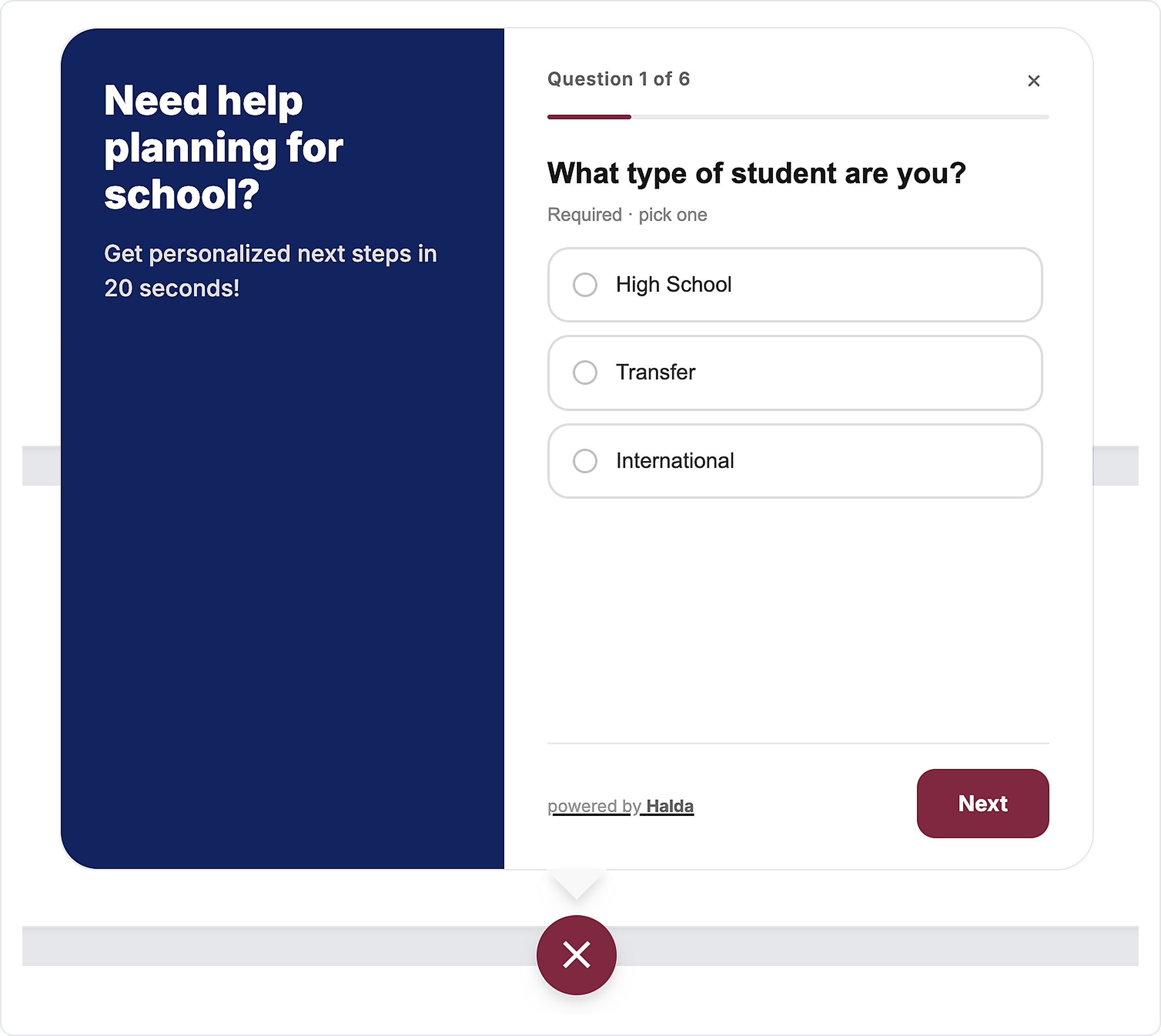
- A modern AI Form design is available on request, with a fixed brand column, a visible progress bar and selected choices that follow your branding.
Put these updates to work
The through line across August and September is control. Your team decides the formatting, approves the links, reviews the drafts and picks where students go next, while Halda handles the part that doesn't need a human. Students who used to fall outside your reach because of a phone number or a country code can now have the same conversation everyone else gets.