Product Updates


February and March brought a lot of updates to the Halda platform. If you spent those two months hiding off the grid, you missed the headliner: the launch of email simulation for our AI Campaign Agent. But there were also several updates that give you better control over your data, your segments, and the students who show up in your numbers.
Here's what's new.
Take the Headaches Out of Your Email Campaigns
This is the big one.
Halda now allows you to simulate responses to emails before they hit student inboxes. This enhancement means you can run full, sequenced outreach to prospective students that’s timed, targeted, and written by AI that already knows your school.
There's a lot to walk through here. A couple of places to start:
Control Exactly Who Counts
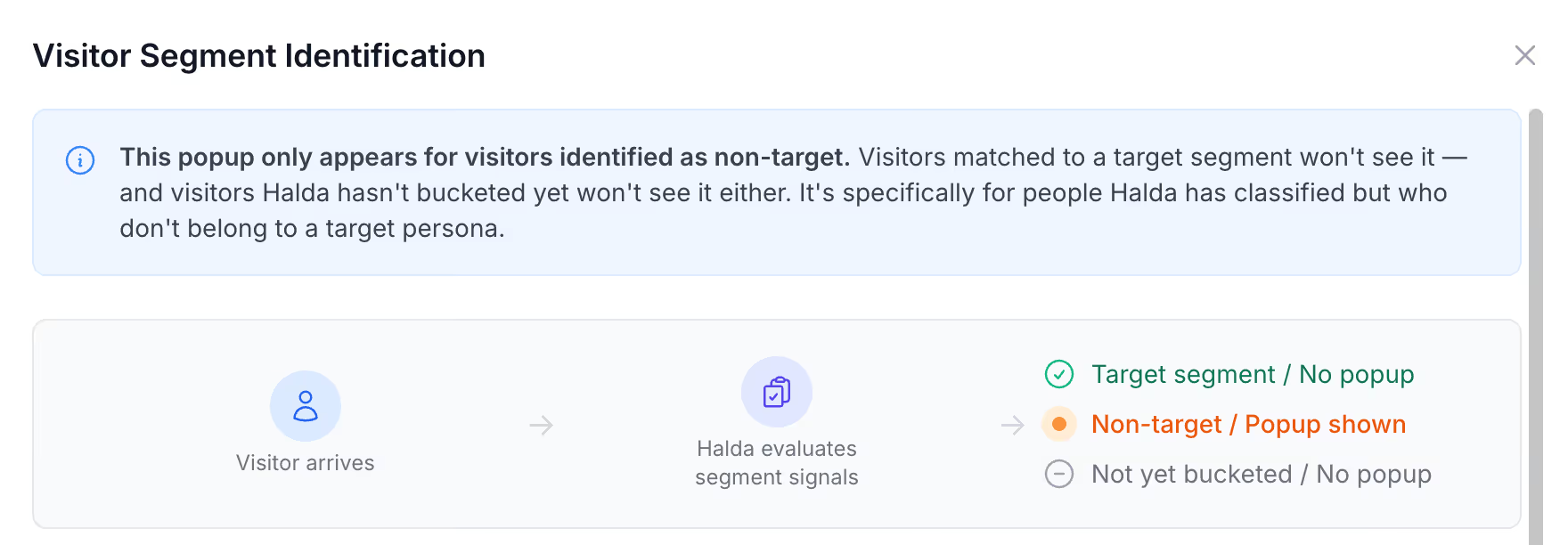
You've always been able to segment students. Now you can control what happens when someone falls outside those segments.
When a visitor doesn't match your target segments, Halda can show them a custom identification pop-up, hide forms and the hub entirely, and exclude them from your conversion metrics.
Set it up in segment settings. Target who you want. Filter out who you don't. Your data reflects the audience that really matters.
Automatically Route Leads to the Right Place in Salesforce
Segmented leads now route directly to the right place in Salesforce.
Map each segment to its Salesforce destination in the builder, and the leads flow where they belong. No manual sorting or workarounds.
Remove Outdated Records
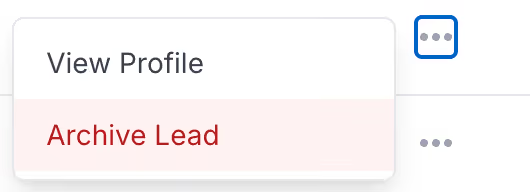
From the Student Records page, you can now archive lead profiles.
Archiving cascades to everything attached to that student — form submissions, AI Search conversations, texts, calls. The student drops out of your metrics entirely.
If a record shouldn't be there, now it doesn't have to be.
Segments Stay Current Without The Manual Work
Segment rules change, and student data changes. Your segments can keep up now.
Update your criteria and resegment students in bulk. No manual cleanup or stale lists sitting around confusing your team.
See Exactly What's Aging In Your Topic Cards
A few quality-of-life updates to topic cards:
- Default expiration extended from 90 days to one year
- Color-coded expiration badges so you can spot aging content fast
- Larger, reorganized instruction UI
- A new publish date field for better tracking
Your Ratings Data Is Accurate And Complete
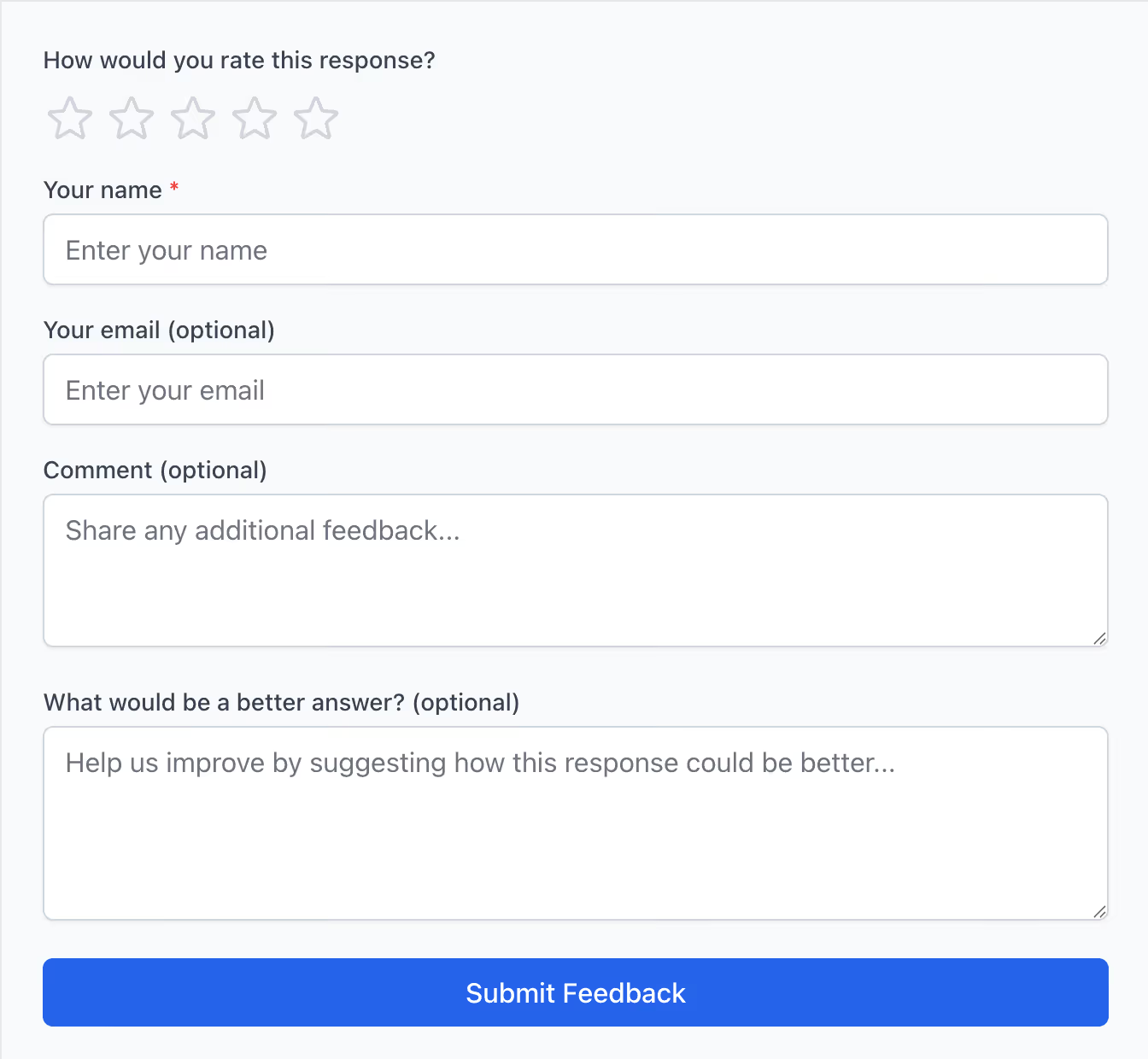
The ratings experience got a glow up. Scores of 4 or below were incorrectly showing as "Not Rated" — that's fixed. You can now delete ratings, and "AI SEO Feedbacks" has been renamed to just "Feedbacks." Simpler name, same function.
See Exactly Where Your AI Training Stands
The AI Training Dashboard now shows how far along you are on reviewing audits — both responses viewed and responses rated. You can see exactly where you stand without digging through the data.
Your Whole Team Can Contribute To AI Training
Non-Halda users can now submit feedback on audit questions through shareable links. Send the link to a team member, they review and rate, and the feedback flows back into your training data.
Your work doesn't slow down. Neither do we.
Every update in this release came from real feedback: partners trying to move faster, keep data clean, and get more out of the platform they already have.
That's the pace we're building at every day. More coming soon.